Your hours. Your pay. Your device.

Know what your shift is worth.

ShiftPay keeps your hours, breaks, overtime, expenses, and estimated gross pay together—without an account, subscription, or internet connection.

iPhoneAndroidWorks offline
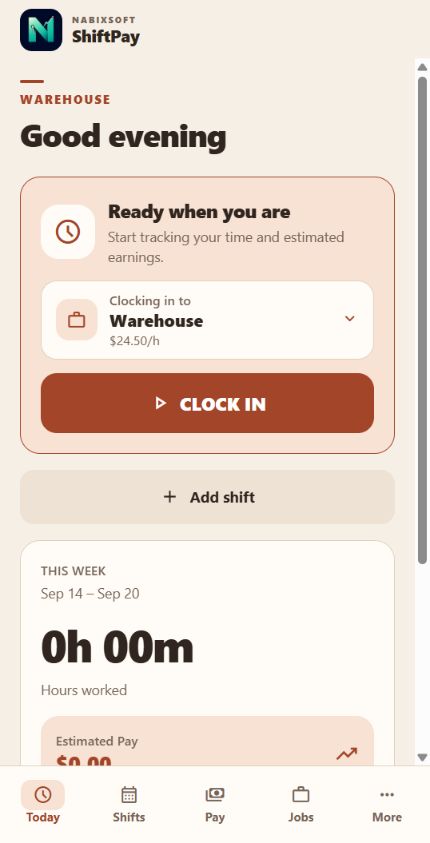
ShiftPay Today screen showing clock in controls and this week's estimated pay
No accountStart with just a job and rate
No subscriptionYour core tools stay yours
No cloud requiredYour records remain on-device

Interactive app preview

See the whole workday in motion.

Swipe through ShiftPay’s main screens. Each one keeps the controls, records, and pay details workers need within easy reach.

ShiftPay Today screen
Today screen
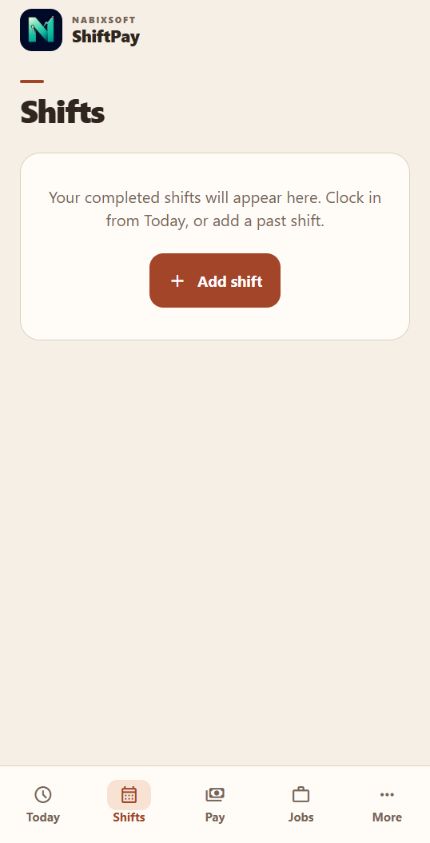
ShiftPay Shifts screen
Shifts screen
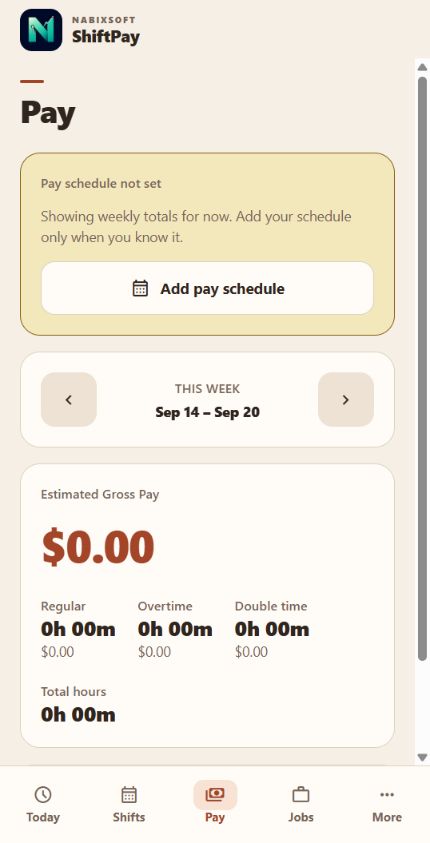
ShiftPay Pay screen
Pay screen
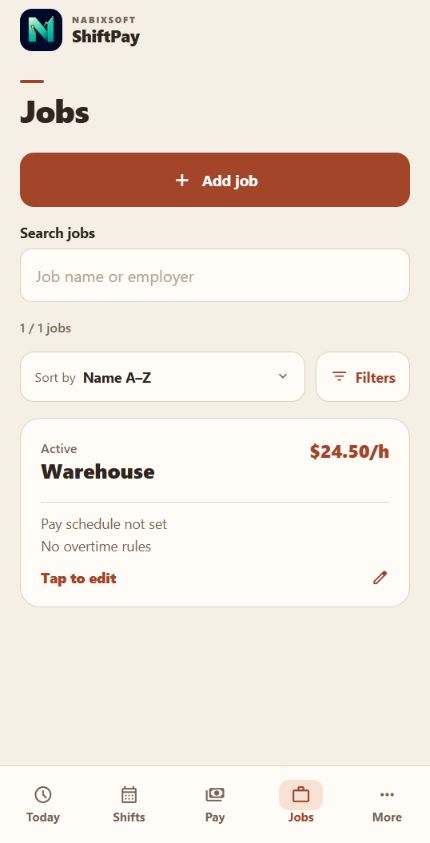
ShiftPay Jobs screen
Jobs screen
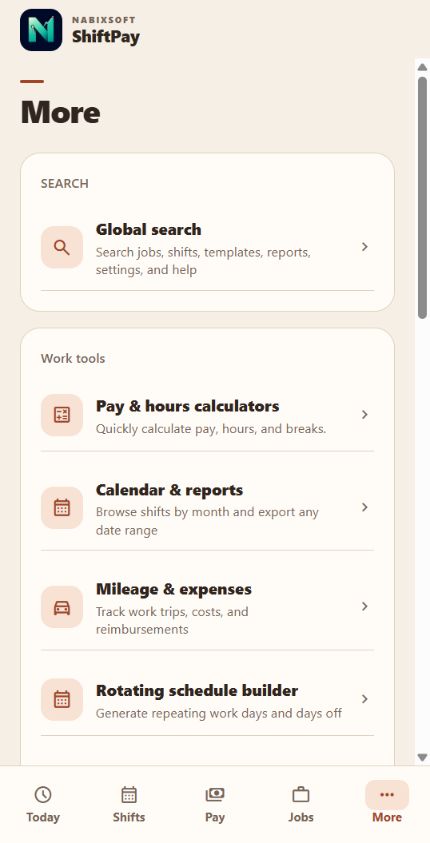
ShiftPay More screen
More screen
01 / 05

Today

Clock in, manage breaks, and watch estimated earnings update while the shift is running.

Swipe, use the arrows, or press ← →

The whole app at a glance

Every main screen, built around your workday.

Move from a live shift to your history, estimated pay, jobs, and work tools without losing the thread.

Built for real workdays

From clock-in to payday.

ShiftPay gives hourly workers a clear record of time and a practical estimate of what they have earned.

01

Track the shift you actually worked

Clock in live or add a shift later. Record paid and unpaid breaks, overnight work, and more than one job.
02

Understand your estimated pay

See regular, overtime, double-time, premiums, and totals for weekly, biweekly, semi-monthly, or monthly pay periods.

03

Keep the extras with the job

Track mileage and expenses, compare an estimate with your paycheck, and export timesheets when you need them.

04

See it at a glance

Widgets, reminders, quick actions, and Live Activities keep the numbers close without adding friction to your day.

Straightforward by design

A pay view you can read in seconds.

Move between pay periods, review each rate tier, and compare the estimate with your real paycheck when it arrives.

  • Multiple jobs and currencies
  • Rate history for past shifts
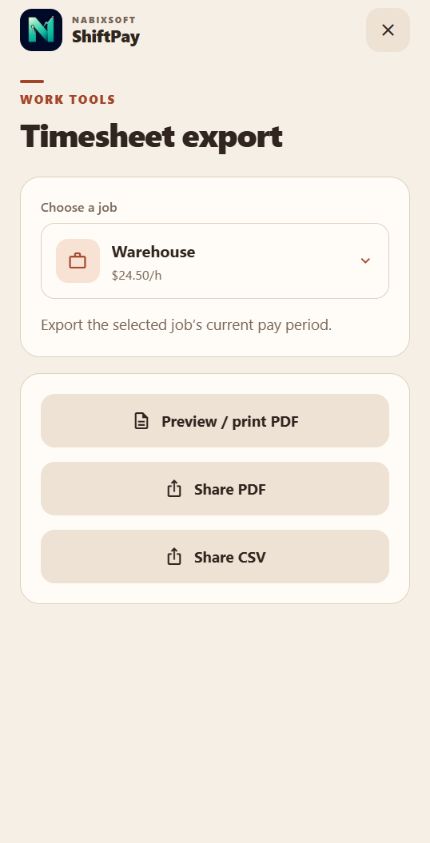
  • PDF, CSV, calendar, and backup exports
  • 18 supported interface languages
ShiftPay Pay screen with estimated gross pay and overtime breakdown

Built into your iPhone

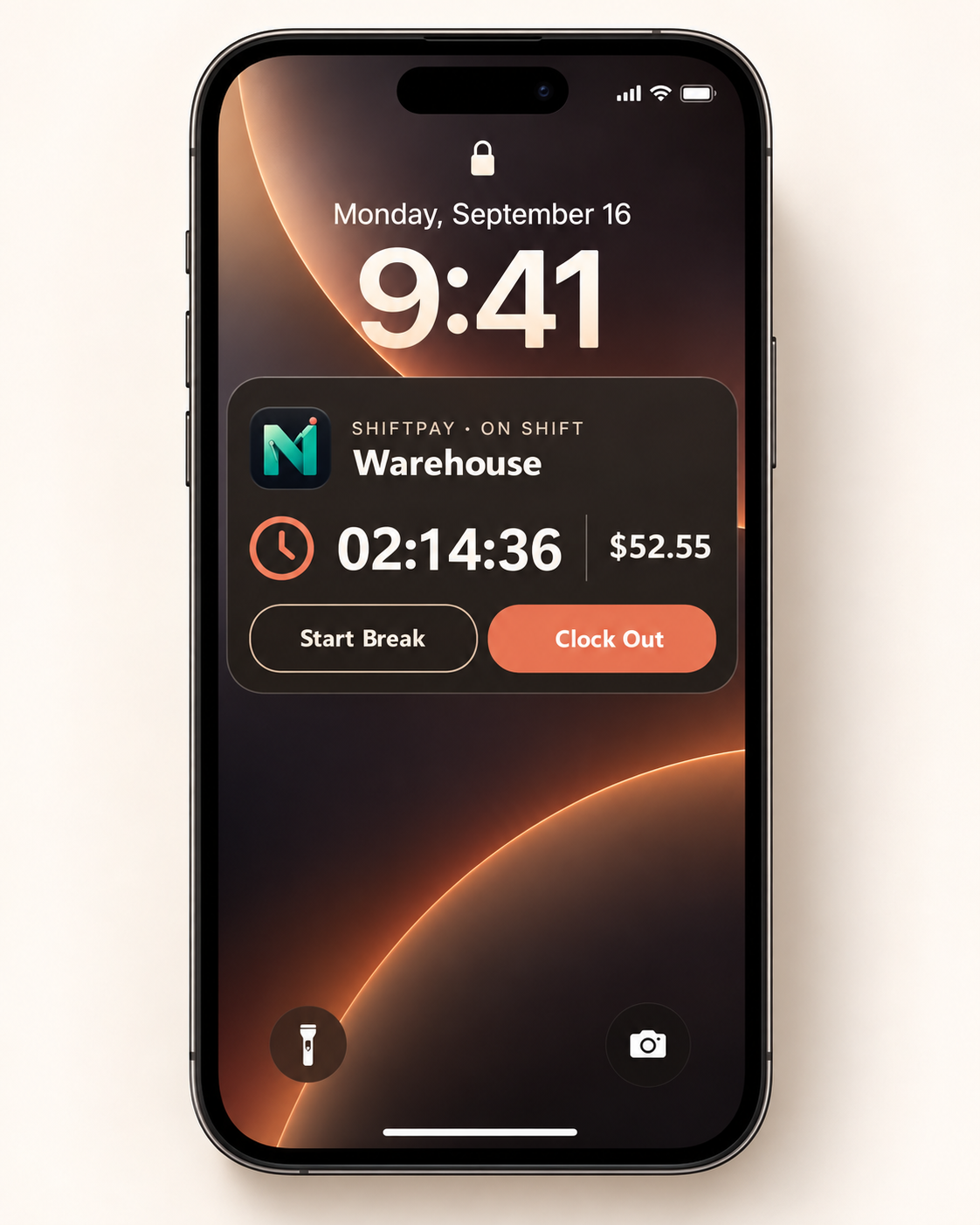
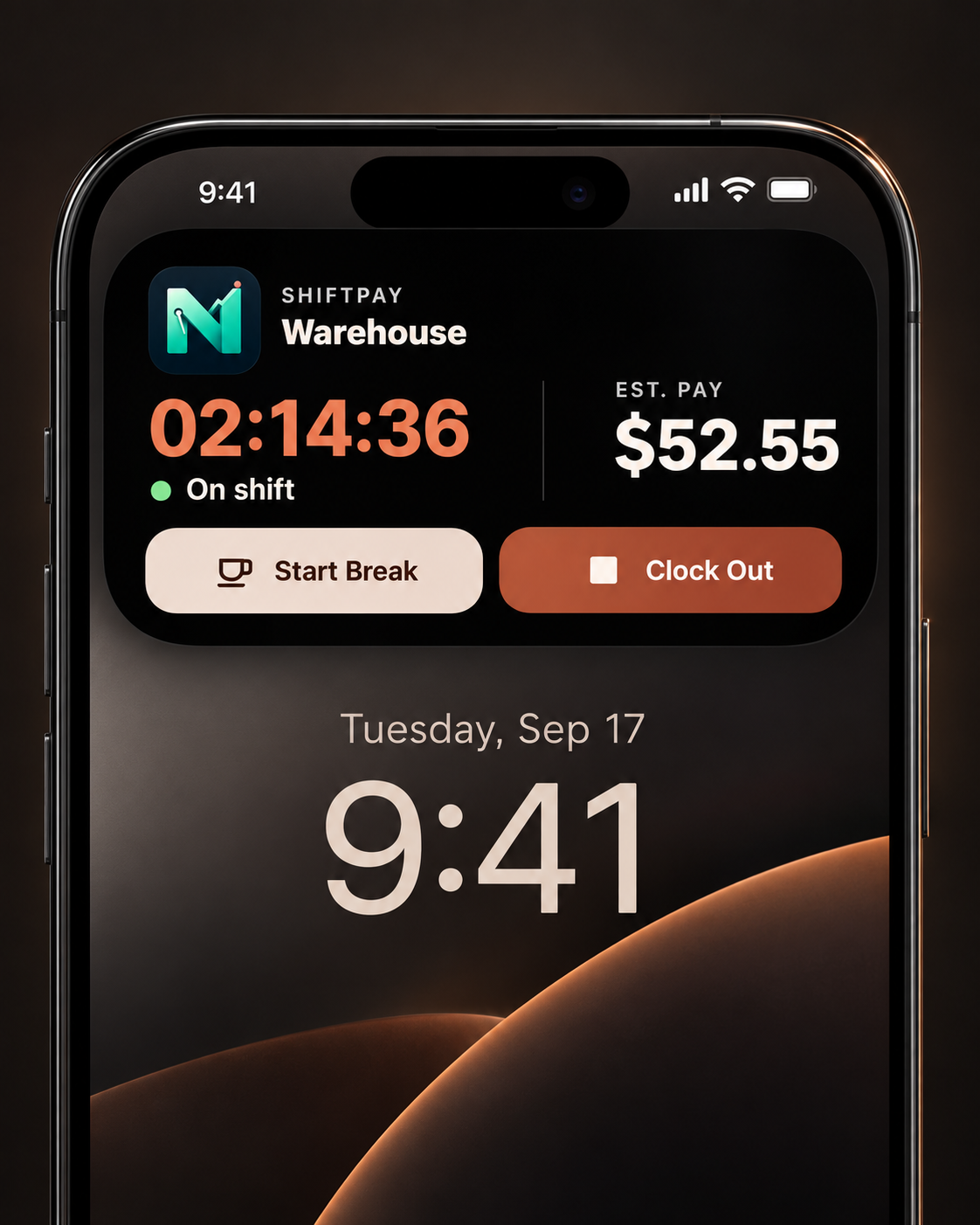
Your live shift stays one glance away.

A high-contrast shift control center keeps the timer, live estimated pay, job status, and two most-used actions readable at a glance—on the Lock Screen or in the Dynamic Island.
Everything included

The full ShiftPay toolkit.

Every feature available in ShiftPay, from the first clock-in to shareable exports, reminders, widgets, and private backups.

Live time tracking

  • Restart-safe live clock in and out
  • Choose one active job for each session
  • Live elapsed time and estimated gross earnings
  • Multiple paid and unpaid breaks
  • Clock-out summary before saving
  • Edit or cancel before a completed shift is recorded

Shift entry & history

  • Manual, missed, future, and overnight shifts
  • Single-shift and multi-day week entry
  • Automatic exact-duplicate protection
  • Edit, delete, duplicate, and add shift notes
  • Filter by job, date range, and shift duration
  • Sort by date, length, pay, or job name

Adjustments & templates

  • Tips and bonuses on individual shifts
  • Estimated deductions shown separately
  • After-deductions estimate
  • Per-hour shift premiums and differentials
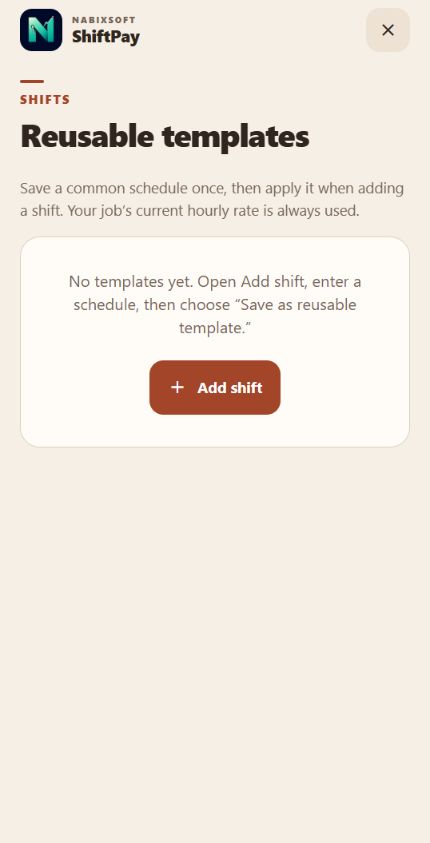
  • Reusable job, time, break, and premium templates

Jobs & rates

  • Multiple active or inactive jobs
  • Employer details, notes, and default unpaid breaks
  • Search, filter, and sort the jobs list
  • Per-job currencies with no hidden conversion
  • New rates apply to future shifts
  • Historical shifts preserve their recorded rate

Overtime & premiums

  • Daily and weekly overtime thresholds
  • Daily double-time threshold
  • Custom overtime and double-time multipliers
  • Minute-accurate night and weekend premiums
  • Holiday premiums with a custom holiday calendar
  • Highest eligible rate used without overlapping tiers

Pay periods & paychecks

  • Weekly, biweekly, semi-monthly, and monthly schedules
  • Next-payday anchor and period navigation
  • Regular, overtime, and double-time breakdowns
  • Premiums, tips, and bonuses included in gross
  • Deductions and after-deductions totals kept clear
  • Save actual gross and compare it with the estimate

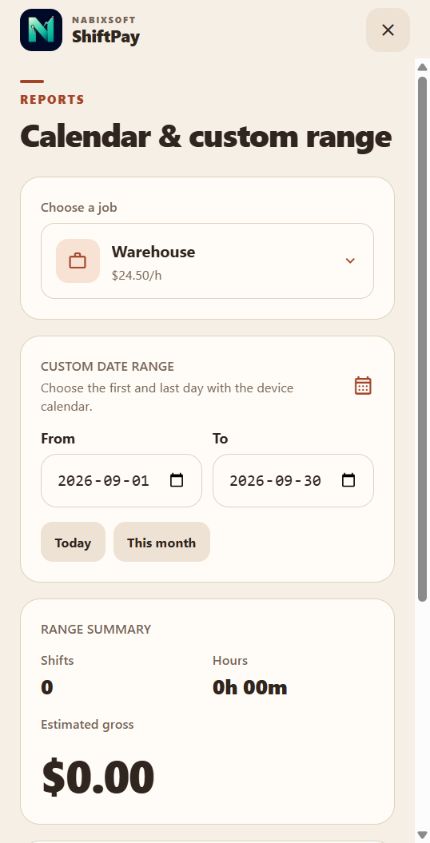
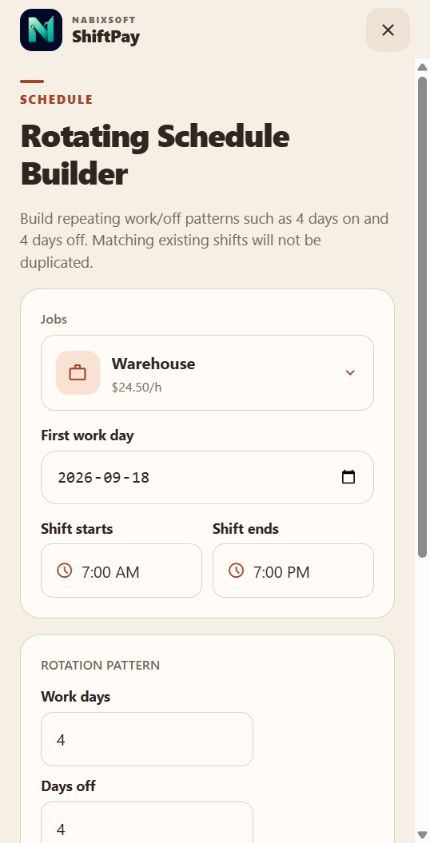
Calendar & schedules

  • Monthly calendar with shift markers
  • Custom From and To reporting ranges
  • Shift count, payable hours, and earnings summaries
  • Rotating schedule builder for repeating work patterns
  • Generate repeating days on and days off
  • Add planned shifts to the device calendar

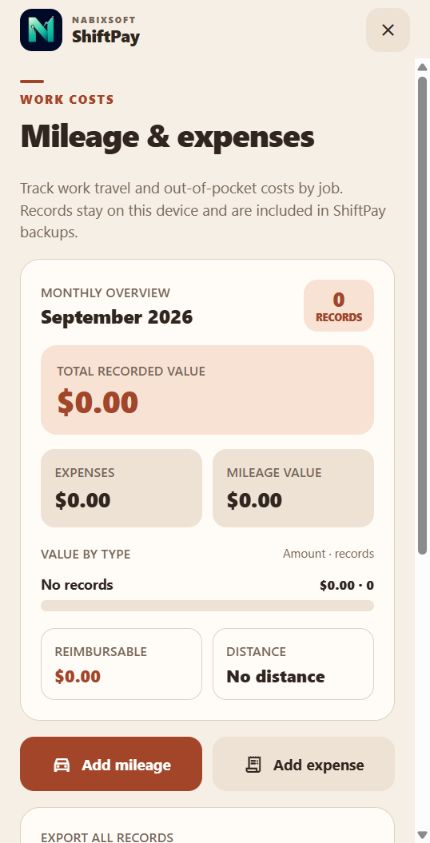
Mileage & expenses

  • Per-job mileage trips by date
  • Kilometres or miles with a custom distance rate
  • Fuel, parking, toll, meal, supply, and equipment costs
  • Reimbursable expense flag and totals
  • Monthly spending, mileage value, and reimbursement summary
  • Searchable history included in backup and restore

Calculators & exports

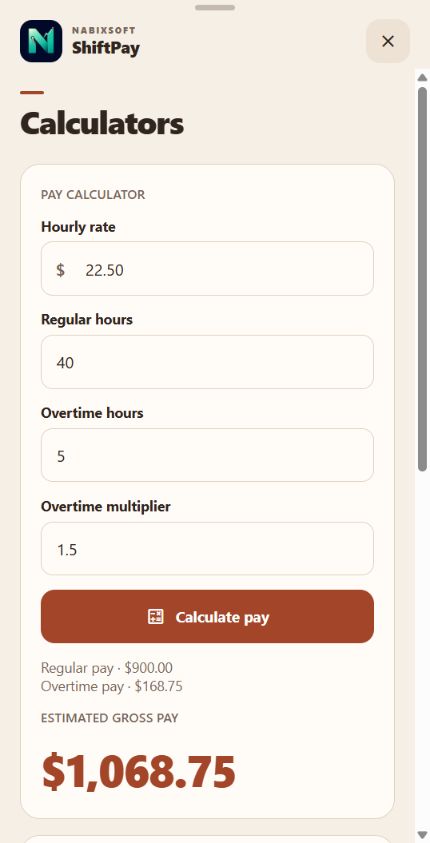
  • Pay calculator for rate, hours, and overtime
  • Hours calculator with breaks and overnight support
  • PDF preview, printing, saving, and branded sharing
  • CSV timesheet and custom-range report export
  • System share sheet for Files, email, and messaging
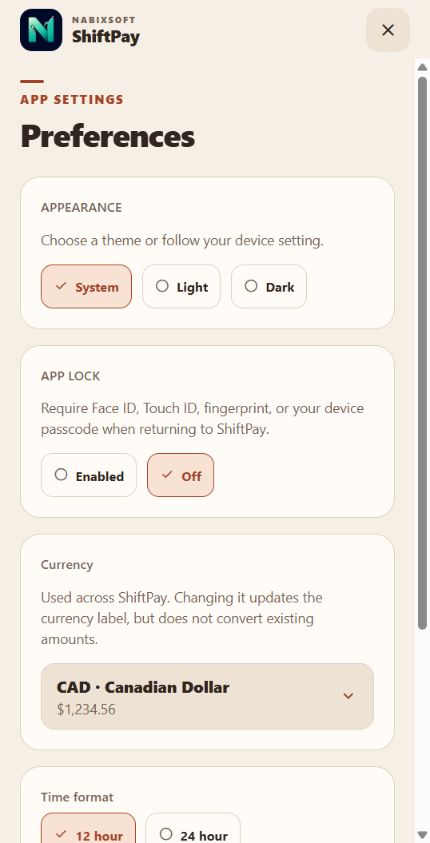
  • Selected currency and 12- or 24-hour time formatting

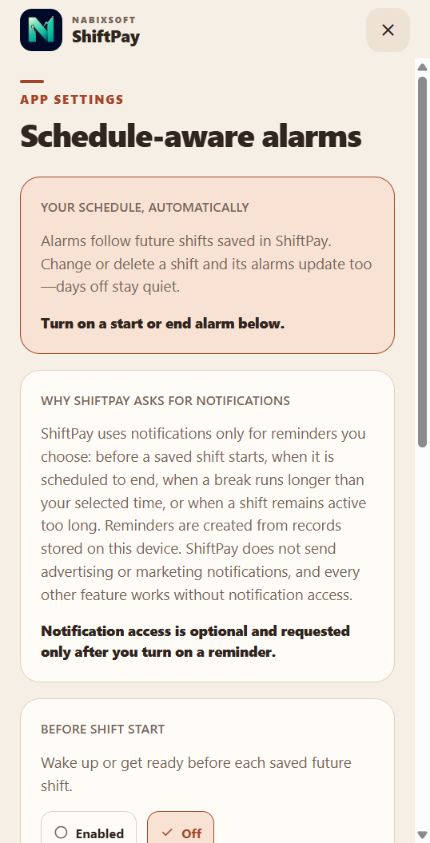
Alerts & reminders

  • Upcoming shift alerts 15, 30, or 60 minutes early
  • Shift-end alerts and future shift alarms
  • Edits reschedule alerts; deletions cancel them
  • Long-shift reminders at 8, 10, or 12 hours
  • Break reminders at 15, 30, 45, or 60 minutes
  • Active reminder changes reschedule automatically

Widgets & quick access

  • Today widget with hours, earnings, and quick clock-in
  • Small and medium payday countdown widgets
  • Lock Screen Live Activity and Dynamic Island
  • Elapsed time, earnings, break, and clock-out controls
  • Apple Watch Smart Stack presentation
  • Apple Shortcuts deep links and in-app quick actions

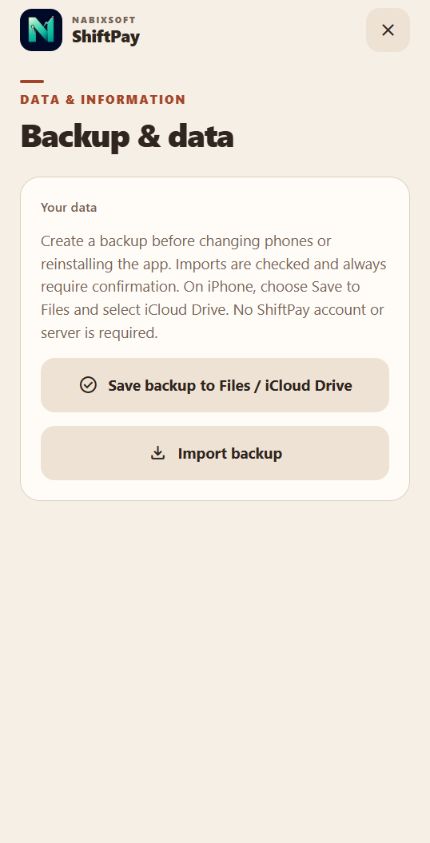
Backup & data control

  • Versioned JSON backup for ShiftPay records
  • Optional storage in Files or iCloud Drive
  • Validation and record-count preview before import
  • Restore by safely merging imported data
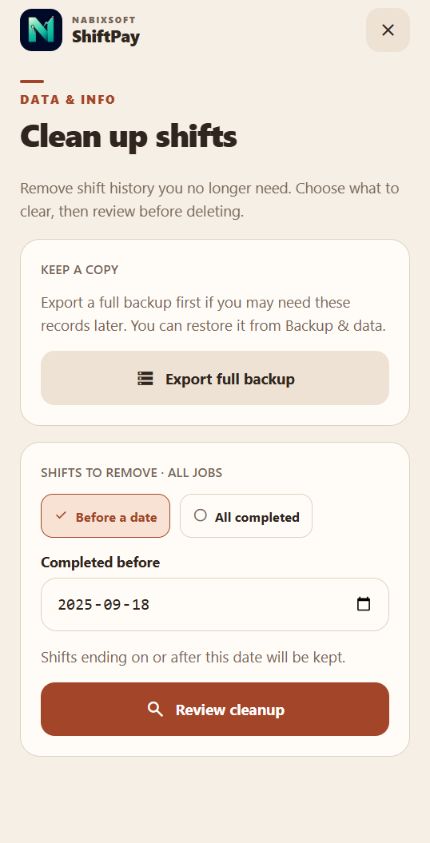
  • Clean up all completed shifts or shifts before a date
  • Jobs, settings, paychecks, and active shifts stay intact

Personalization & privacy

  • System, light, and dark appearance
  • 18 interface languages with device-language detection
  • Face ID, Touch ID, or fingerprint app lock
  • Passcode fallback for protected access
  • On-device database with offline operation
  • No account, backend, ads, analytics, or subscription

Search, guides & support

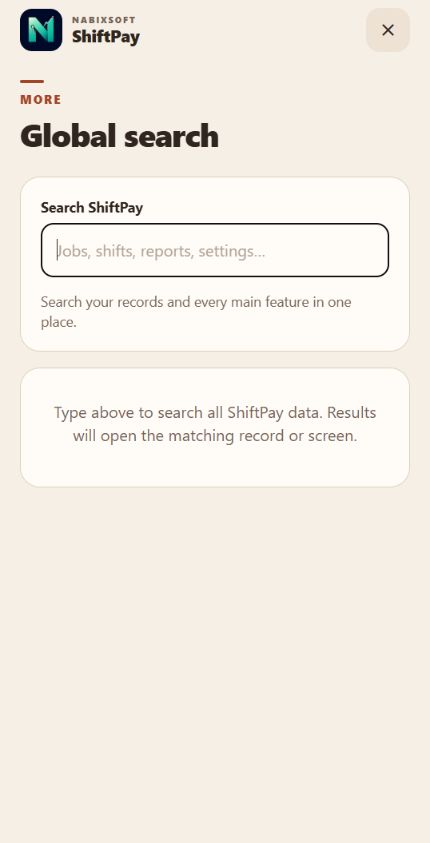
  • Global search across shifts, jobs, tools, and settings
  • Guided first-run setup
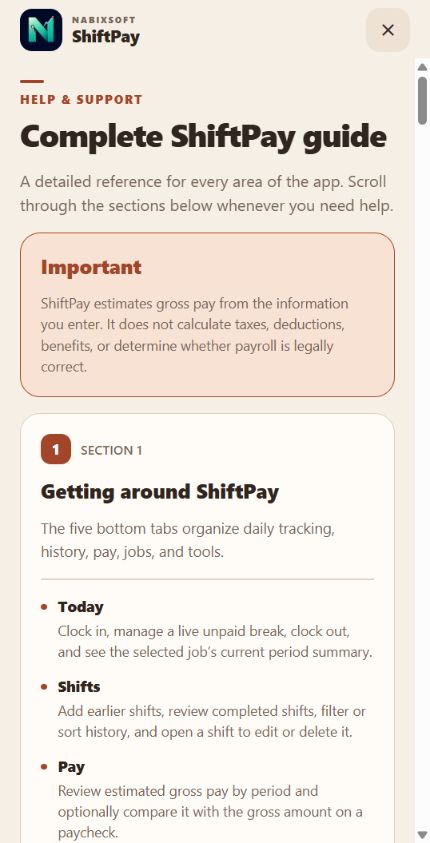
  • Complete in-app How to Use guide
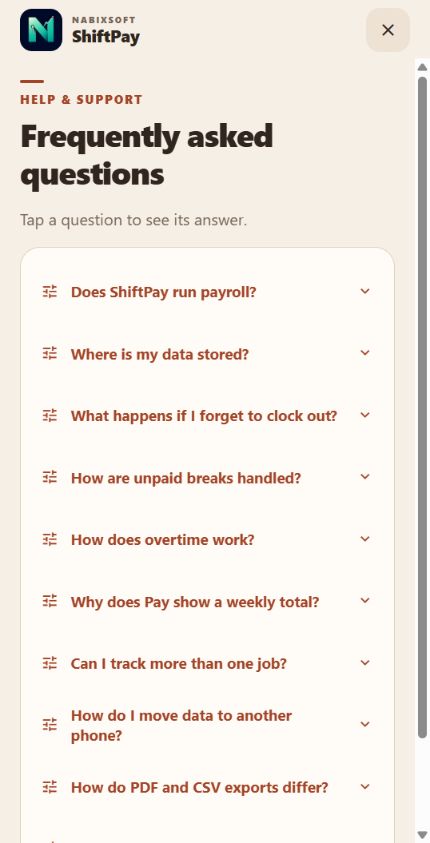
  • Frequently asked questions
  • Email support from inside the app
  • Privacy, version, ownership, and legal information

18 supported languages

ShiftPay speaks your workday.

Choose an interface language in Preferences or let ShiftPay detect the device language. Dates, times, numbers, and currency use the matching locale.

Specialized text can fall back to English when a localized string is not yet available.

Explore every tool

Every page inside More.

Swipe through the complete set of work tools, settings, help, and data pages available from ShiftPay’s More tab.
Private by default

Your work history is not our business.

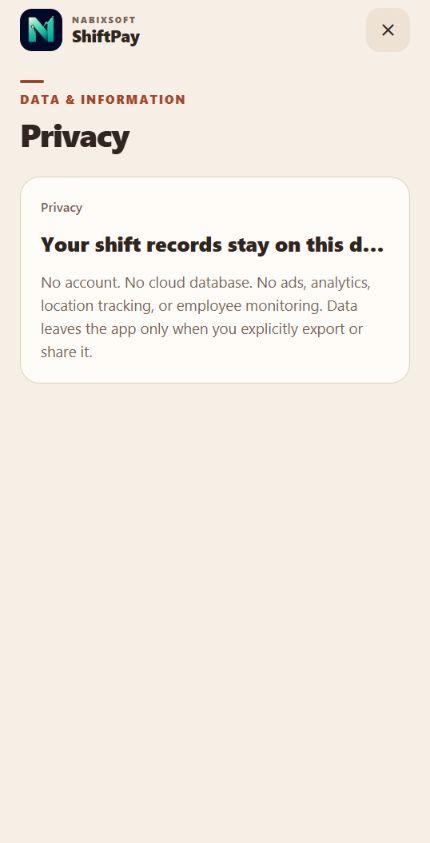
ShiftPay is designed to work without an account, backend, advertising, or analytics. Your job, shift, pay, mileage, and expense records are stored on your device. You choose when to export or share them.

Read the Privacy Policy

ShiftPay by NabixSoft

Make every hour easier to account for.

Contact NabixSoft